
App Guide Calculator C
A Calculator App With a Running Total — Handy for Bills and Estimates
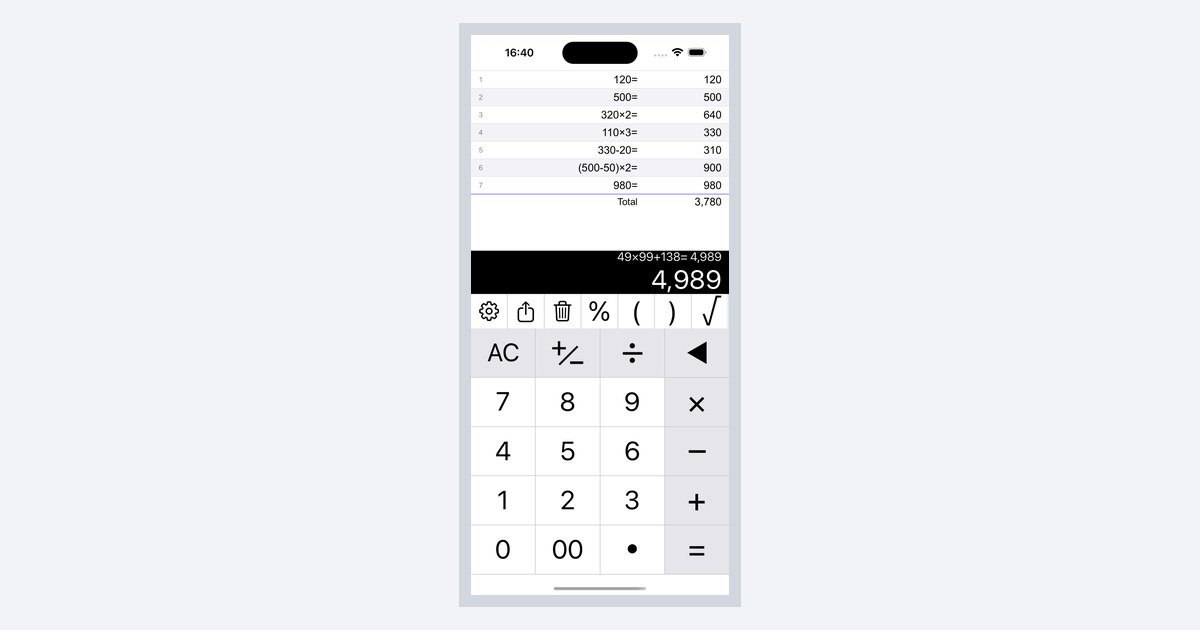
When you need the total after several calculations, there is no need to add the numbers again. Calculator C shows a total under your history.
While shopping or checking numbers, you often want to know the total after several calculations. On a normal calculator, you have to add every number again.
Total Display Options
Calculator C keeps every calculation in a history and shows the total below it.
| Setting | What you see |
|---|---|
| None | No total |
| Sum | Total of the history |
| Excl. Tax | Subtotal, tax, and total |
| Incl. Tax | Total including tax, tax amount, and total excluding tax |
How to Turn It On


- Tap the gear button in the toolbar to open the settings screen
- Under “Total Display”, choose “Sum”
- Close the settings and calculate
- The total appears under your history
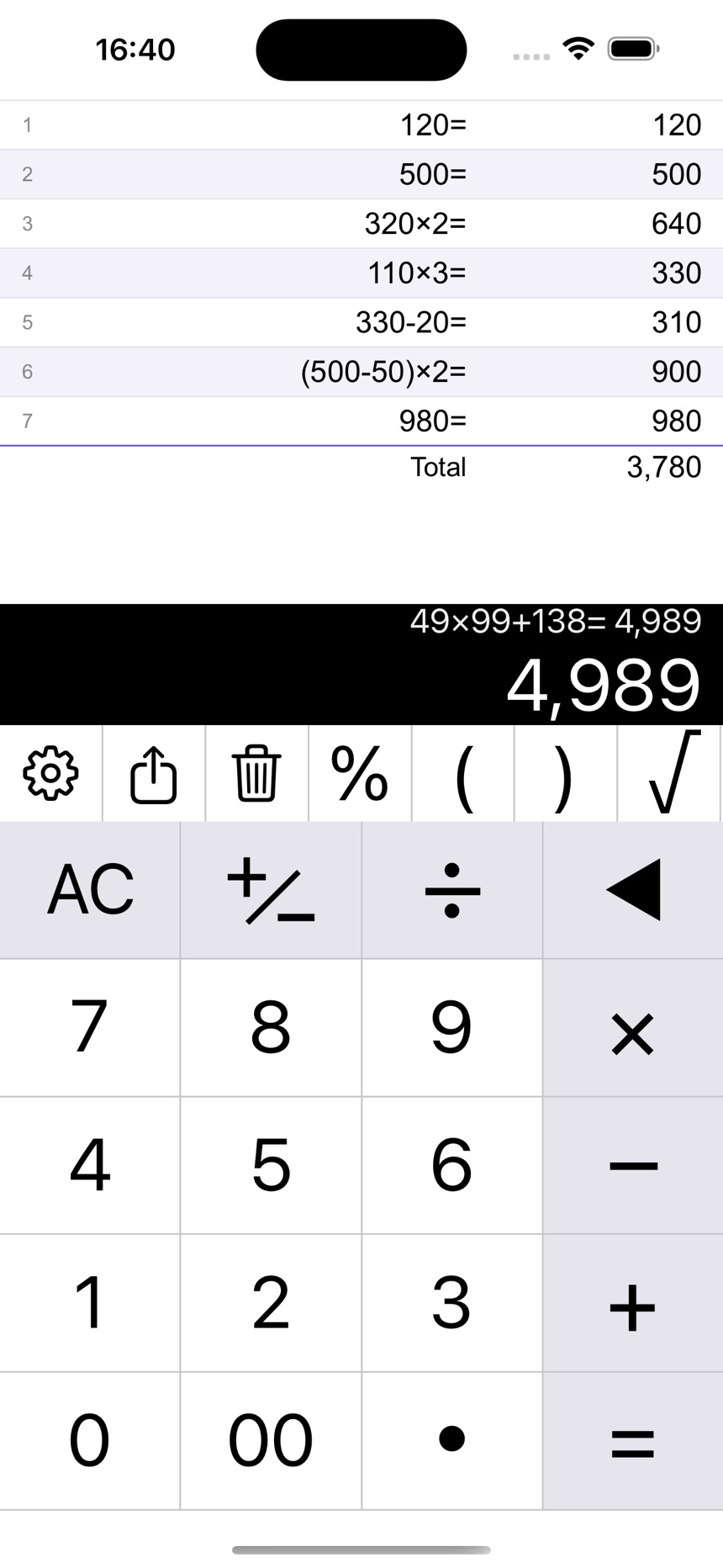 The total appears under your history
Handy Ways to Use It
- Tap a result in the history to use that number in your next calculation
- Swipe a history row to the left to edit or delete it. The total is recalculated for you
- Choose “Excl. Tax” or “Incl. Tax” when you need a total with tax. The tax rate is set in the settings
Notes
- Clearing the history changes the total
- Rows that are not numbers are not counted
Related guides: