
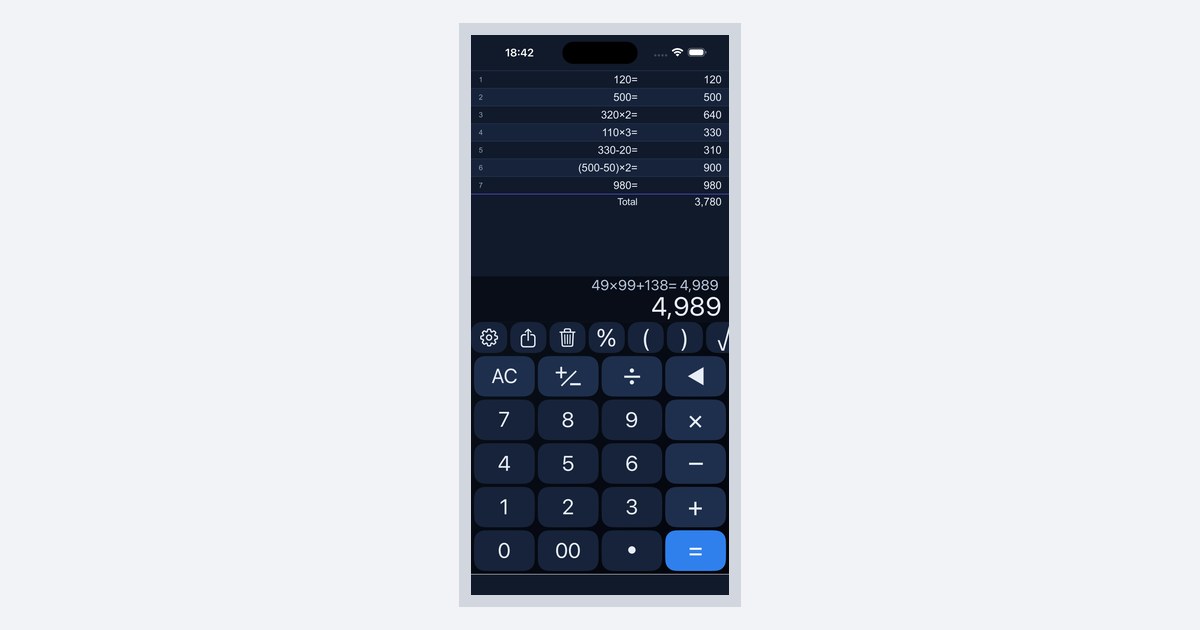
App Guide Calculator C
A Calculator App With More Color and Font Options Than Your Phone's Default
Calculator C has 3 button styles and 12 color sets. You can switch them on the calculator screen and see the result right away.
You use a calculator every day, so the look matters. Some screens are too bright at night, and on some the button edges are hard to see.
Themes You Can Choose
| Item | Options |
|---|---|
| Style | Grid, Tile, Round |
| Color | Classic, Carbon, Paper, Mint, Ocean, Grape, Rose, Sunrise, Steel, Midnight, Crimson, Apricot |
Three styles and twelve colors can be combined freely.
How to Change It


- Tap the gear button in the toolbar to open the settings screen
- Under “Theme”, tap “Choose theme”
- Back on the calculator screen, switch between styles and colors
- Choose a theme while previewing the calculator screen
The same history looks quite different once you change the style and the color.
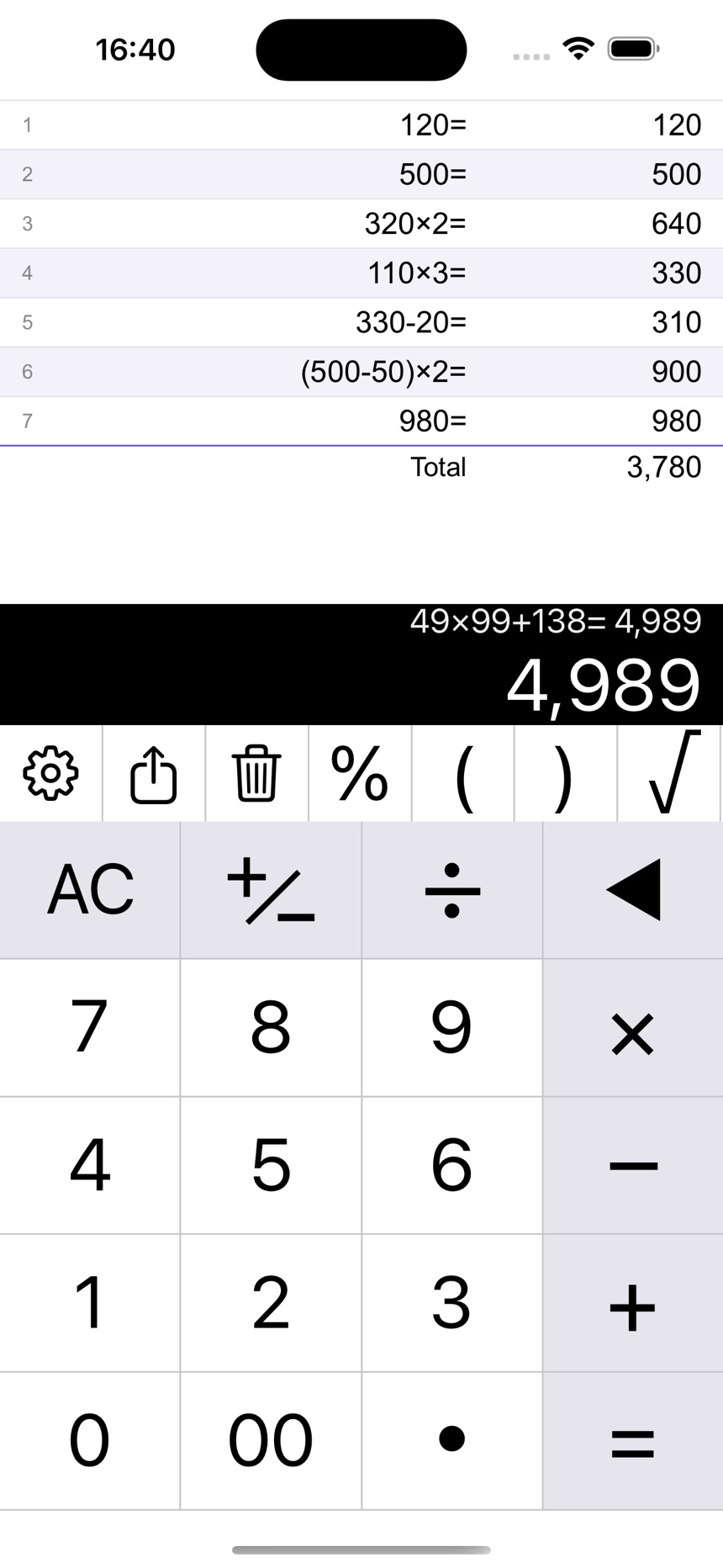 Tile and Carbon
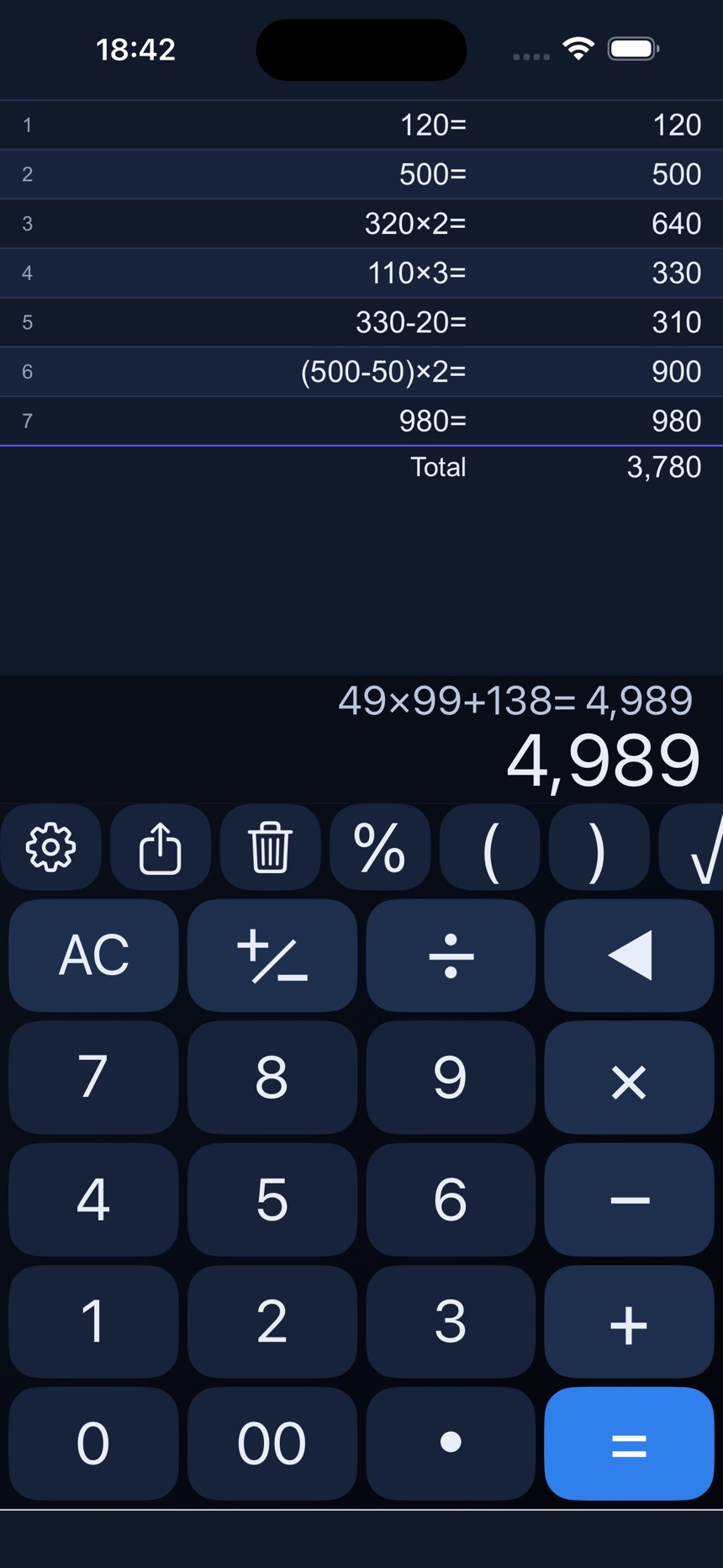 Round and Midnight
Make the Text Easier to Read
- “Text size” offers Standard, Large, and Extra large
- “Use monospaced font” gives every digit the same width
- “Line number on history” shows which row you are on
Notes
- Your theme is kept the next time you open the app
- In a dark room, dark sets such as Midnight or Carbon are easier on the eyes
Related guides: