
App Guide Calculator C
A Calculator App That Shows Average, Max, and Min of Your History
When a total is not enough, Calculator C can show the average, maximum, minimum, and count of your history, with your own decimal and rounding settings.
After entering many numbers, you often want more than a total: how much per item, or which one is the largest.
What You Can Display
Calculator C can show these values under your history at the same time.
| Item | What it means |
|---|---|
| Average | Average of the numbers in your history |
| Max | The largest number |
| Min | The smallest number |
| Count | How many calculations you made |
How to Turn It On


- Tap the gear button in the toolbar to open the settings screen
- Under “Statistics”, turn on the items you want
- Choose how many digits to show in “Stat Decimal Places”
- Choose round down, round up, or round half up in “Stat Rounding”
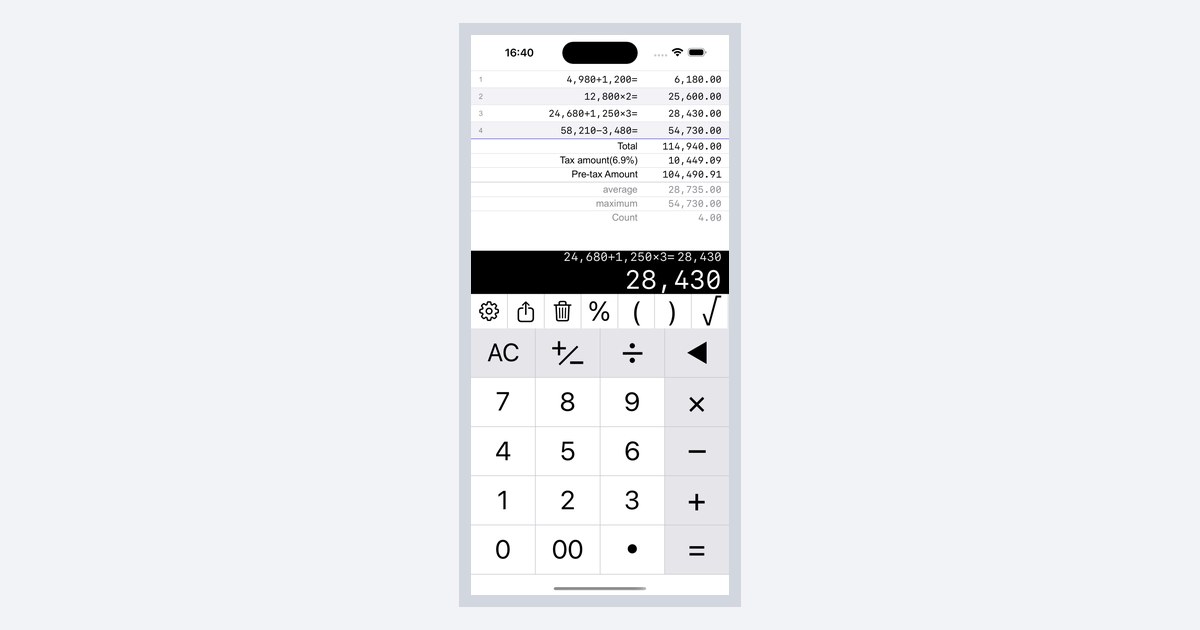
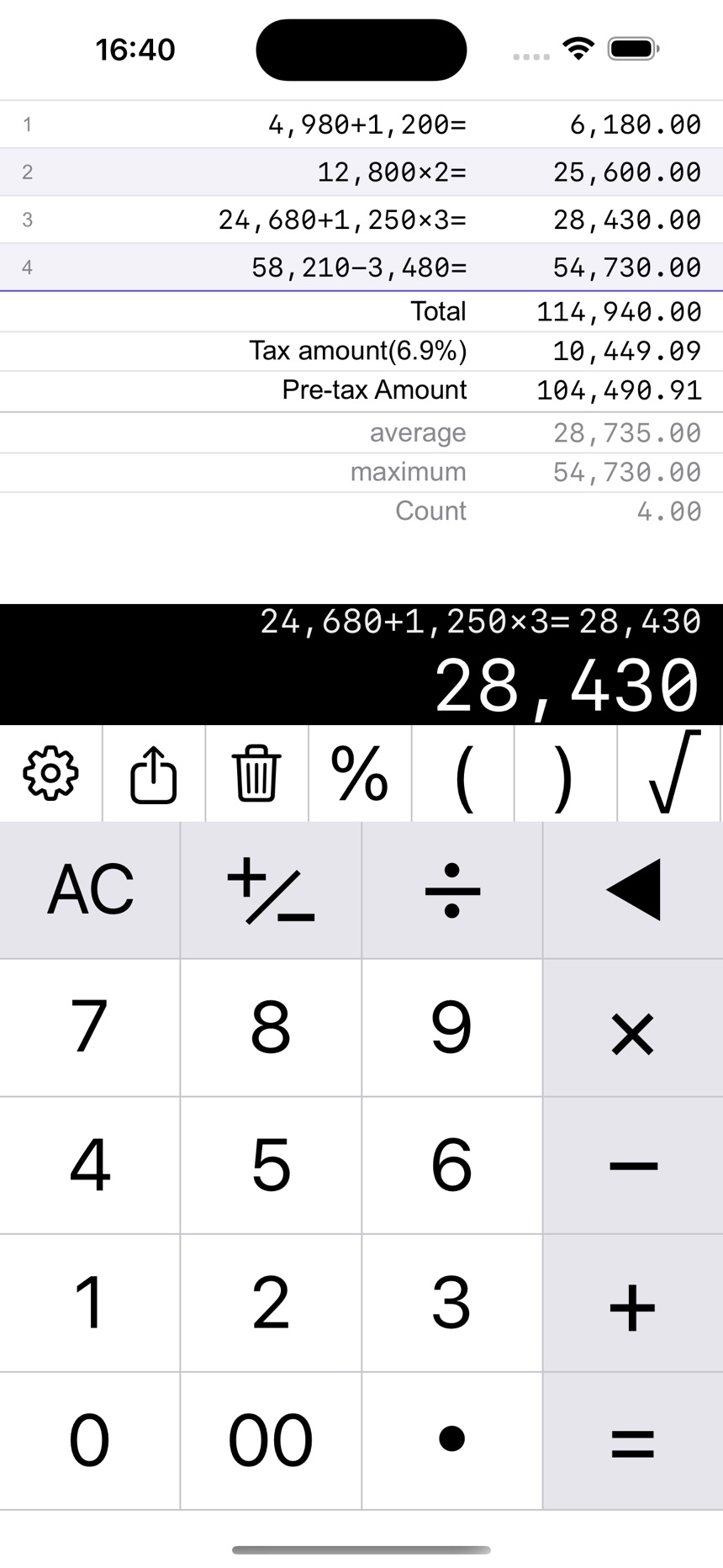 An example with total, average, maximum, and count turned on
Make the Numbers Easier to Read
- Turn on “Align decimal places” so the decimal points line up
- Turn on “Use monospaced font” as well, and every digit takes the same width
Notes
- Average, max, and min are not shown when the history has no valid numbers
- Count is the number of calculations, not the number of digits you typed
Related guides: